
Primary references
These sources support the standards and technical explanations in this guide. Color Pick recommendations and product-specific limitations are identified separately in the article.
Choose the right screen and print workflow, understand gamut differences, ICC profiles, soft proofing, and practical handoff.
Use RGB-based spaces such as sRGB or Display P3 for screens, and use a printer-specific CMYK workflow for process printing. RGB and CMYK are not interchangeable lists of numbers: they describe different reproduction systems. Generic CMYK conversions can support early planning, but reliable print output requires the target printing condition, ICC profiles, proofing, and printer guidance.
RGB creates light on screens, while CMYK controls inks that absorb and reflect light on paper.
Red, green, and blue channels add light. Cyan, magenta, yellow, and black process inks subtract portions of reflected light. The same visual color is therefore produced through different physical systems.
Paper color, surface, ink behavior, screening, viewing light, and device calibration all influence printed appearance.
Many bright screen colors cannot be reproduced by a given CMYK printing condition.
Vivid blues, greens, oranges, and neon-like colors often lose saturation or shift when converted. The printable gamut also changes between coated and uncoated stocks, presses, inks, and profiles.
A conversion should preserve the intended relationship and readability, not merely copy numeric channels.
An ICC profile describes how a specific device or printing condition relates native color values to a device-independent reference.
Profiles allow a color management system to transform values between source and destination spaces. The printer should provide or specify the intended profile and rendering workflow.
Uploading a file with an ICC signature is not the same as completing a certified profile transformation. Color Pick validates profile signatures locally but does not claim press-proof equivalence.
Soft proofing simulates a target output on a calibrated display, while a physical proof shows ink and substrate behavior more directly.
A soft proof is useful for identifying likely gamut compression and relative shifts. A contract or physical proof remains important for critical production because a monitor cannot reproduce paper texture, fluorescence, ink interaction, or every viewing condition.
Always confirm whether the printer expects embedded profiles, converted CMYK data, or an RGB file managed by their workflow.
Keep the source flexible, then prepare a printer-specific output copy.
Design in a documented RGB working space, usually sRGB for broad web compatibility.
Identify colors that are critical to brand or information hierarchy.
Ask the printer for stock, process, profile, ink-limit, and proof requirements.
Use Color Pick CMYK values only for early planning and risk review.
Soft-proof with the actual destination profile in a color-managed application.
Adjust out-of-gamut colors while preserving contrast and semantic distinction.
Approve a physical proof before critical production.
A vivid screen blue may be attractive in Display P3 but become less saturated in a process print condition.
Keep the original RGB token for digital use. Create a print variant after profile conversion and evaluate it next to surrounding colors. If the campaign depends on an unusually vivid blue, discuss a spot-color or expanded-gamut option with the printer rather than forcing generic CMYK percentages.
Test text contrast again after the print variant changes, because color conversion can alter the relative lightness of a pair.
Use the production destination to choose the workflow.
| Question | Screen answer | Print answer |
|---|---|---|
| Primary space | sRGB or Display P3 | Printer-specified CMYK condition |
| Output device | Display | Press, printer, ink, paper |
| Gamut concern | Device gamut and browser support | Profile and substrate gamut |
| Validation | Browser and device testing | Soft proof plus physical proof |
| Color Pick role | Web output and preview | Planning approximation and risk flag |
A useful print handoff documents the conversion assumptions instead of presenting one CMYK value as universal.
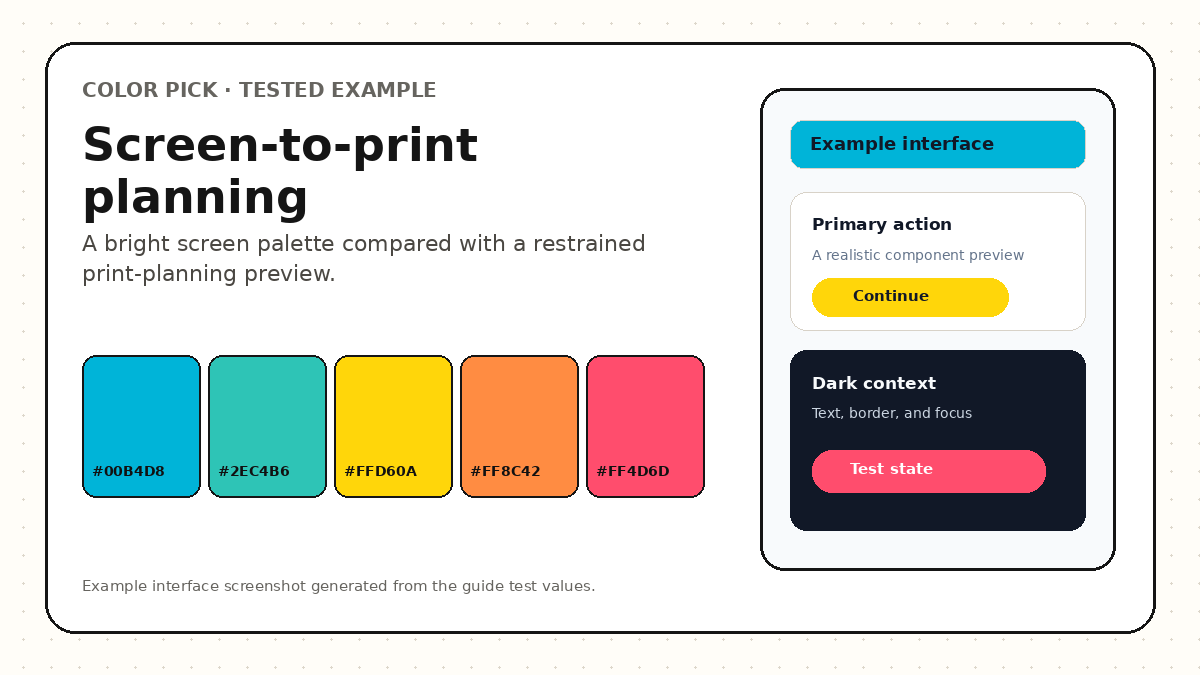
For the example, the original RGB source is preserved, the CMYK values are marked as a generic planning approximation, and the intended output is described as coated brochure stock. A real production file would also record the printer profile, rendering intent, proof date, and approved sample.
Highly saturated cyan, orange, and pink values are flagged for proofing because a vivid screen appearance may not survive the target print process. The goal is predictable planning, not a claim of profile-independent accuracy.
Most print surprises come from missing output context.
RGB and CMYK require connected but distinct production decisions.
Compare RGB, OKLCH, nearest CPS, generic CMYK, and print-risk information before requesting the printer profile.
Displays emit light and often support colors outside the destination print gamut. Paper, ink, profile, and viewing conditions can reduce saturation and brightness.
Use the profile specified by the printer for the exact process and stock. Do not choose a profile only because its name is familiar.
No. A spot color is generally printed as a separate premixed ink or dedicated colorant, while CMYK builds colors from process channels.
These sources support the standards and technical explanations in this guide. Color Pick recommendations and product-specific limitations are identified separately in the article.