
Trustworthy, analytical, stable, and action-oriented.
The palette reserves saturated colors for actions and status while a pale canvas and dark text carry the majority of financial content.
A finance dashboard palette with neutral surfaces, dark data text, blue actions, and explicit green and red feedback colors.
#F8FAFC#E2E8F0#0F172A#1D4ED8#16A34A#DC2626The palette reserves saturated colors for actions and status while a pale canvas and dark text carry the majority of financial content.
CMYK values are generic planning approximations. Final print output requires a target ICC profile and physical proof.
| Color | HEX | RGB | OKLCH | CMYK approximation | Nearest CPS |
|---|---|---|---|---|---|
#F8FAFC | 248, 250, 252 | oklch(98.4% 0.003 248) | 2% / 1% / 0% / 1% | CPS 34050NΔE00 0.64 | |
#E2E8F0 | 226, 232, 240 | oklch(92.9% 0.013 256) | 6% / 3% / 0% / 6% | CPS 36100NΔE00 1.68 | |
#0F172A | 15, 23, 42 | oklch(20.8% 0.04 266) | 64% / 45% / 0% / 84% | CPS 22950SΔE00 2.92 | |
#1D4ED8 | 29, 78, 216 | oklch(48.8% 0.217 264) | 87% / 64% / 0% / 15% | CPS 24600VΔE00 2.13 | |
#16A34A | 22, 163, 74 | oklch(62.7% 0.17 149) | 87% / 0% / 55% / 36% | CPS 15500EΔE00 2.12 | |
#DC2626 | 220, 38, 38 | oklch(57.7% 0.215 27) | 0% / 83% / 83% / 14% | CPS 01500VΔE00 2.91 |
This role map is a practical starting point. Validate it against the real components, text sizes, and interaction states in your product.
Dashboard background
Table lines and inactive controls
Balances, labels, body content
Links and key controls
Confirmed transactions with icon and label
Failed actions with icon and message
These previews reveal role assumptions that are invisible in a simple swatch strip.
Role-based color preview
ReadyCheck the real relationships
ActiveTest text, controls, and states before export.
Red–green state collisions are a primary risk. Keep their labels, icons, and positions distinct under protan and deutan simulations.
For printed statements, profile and proof the blue, green, and red separately; generic CMYK values are planning approximations.
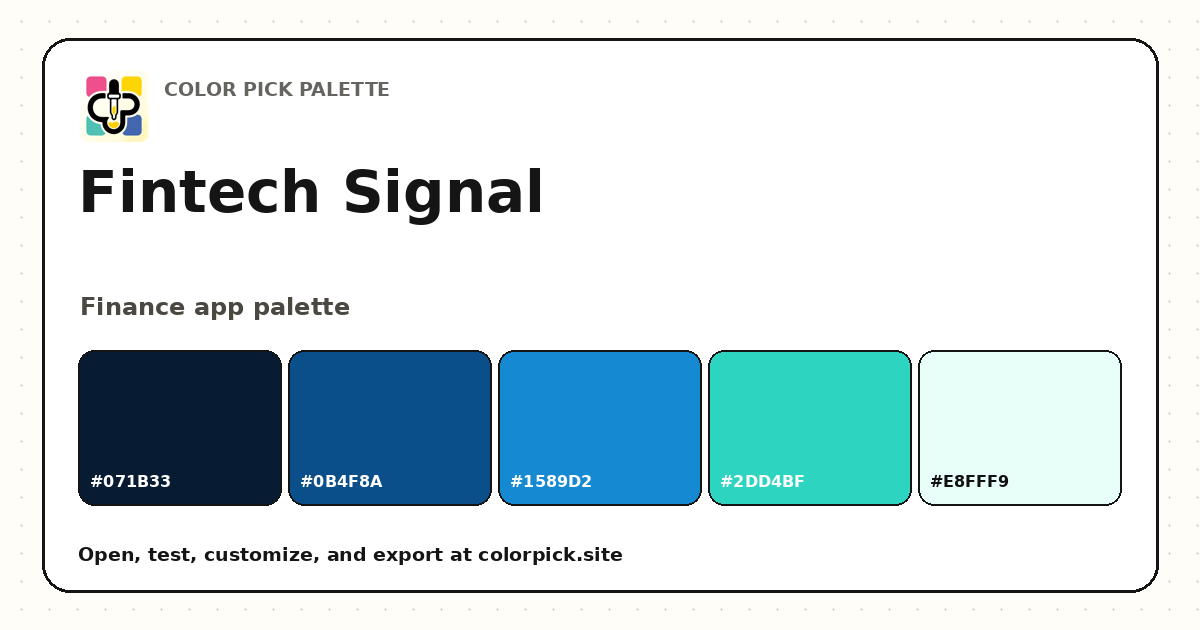 Fintech Signal Color Palette
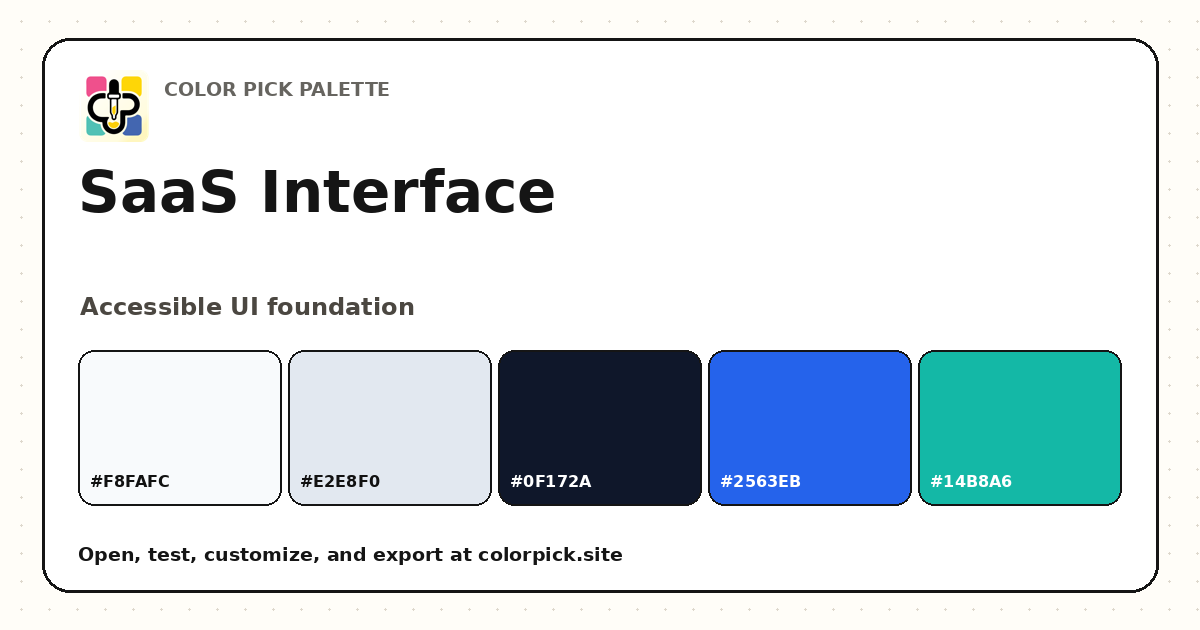 SaaS Interface Color Palette
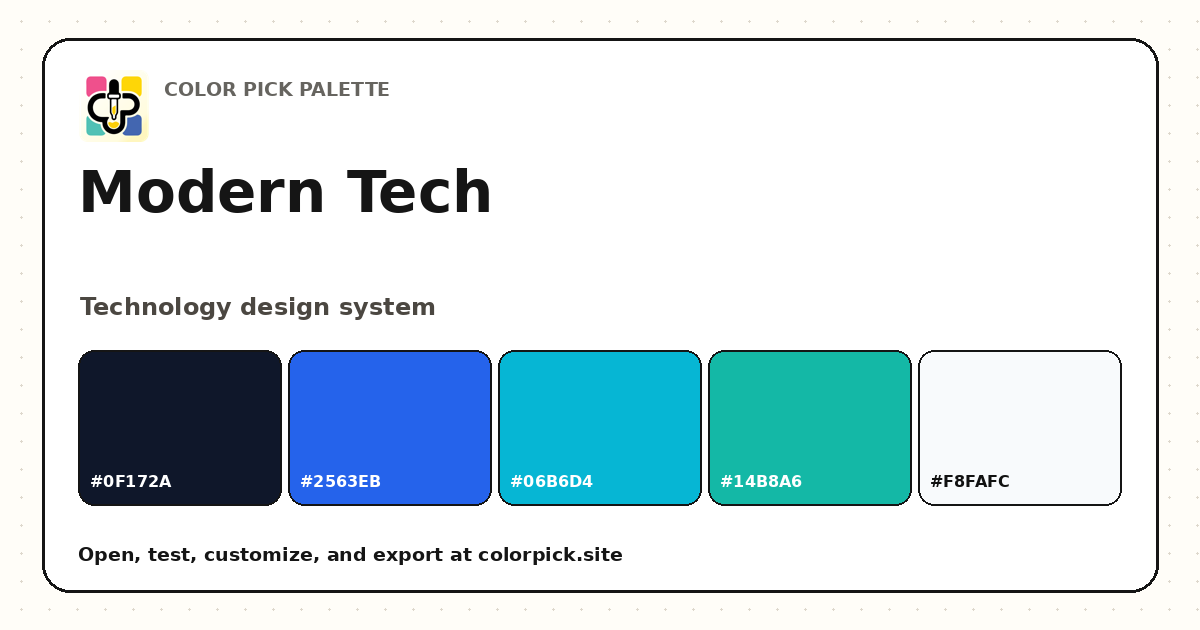 Modern Tech Color Palette